5 Core Small Business Automations
Small business automations ensure your business is not losing leads because of bad marketing. The real losses happen between touchpoints: the call that went unanswered, the inquiry that sat for four hours, the client who never heard from you after the job was done. These aren’t failures of effort. They’re gaps, and no one has time to cover them all manually.
These five small business automations follow the full customer lifecycle from first contact to final review. They’re not complex. Each one can be live within a week, and together they form a system that makes a business operate more professionally than most of its competitors from day one.
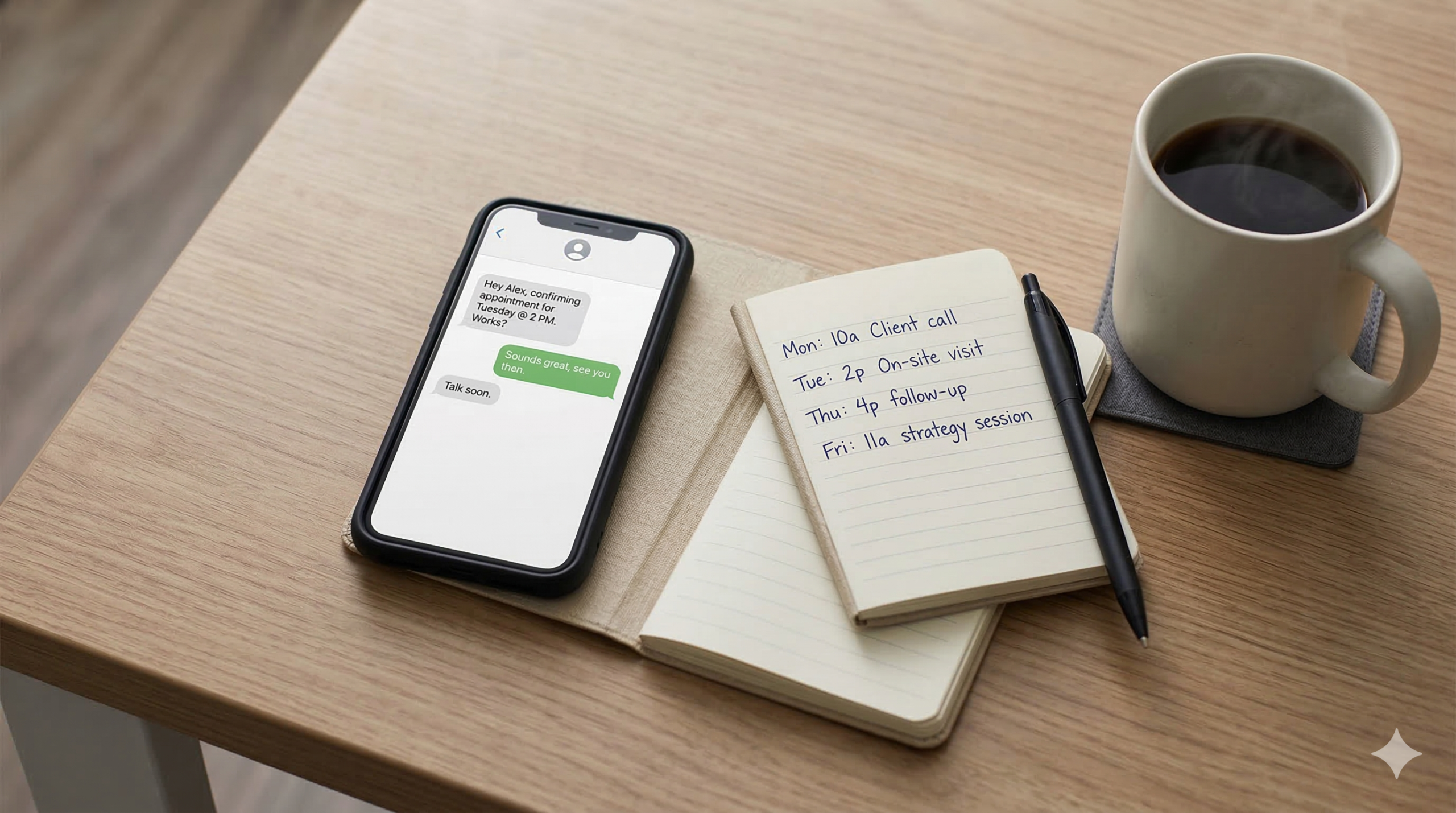
The Customer Journey Has Five Gaps
Effective small business automations map to the pipeline. Think of it as five common leak points: the missed call, the slow response to a web inquiry, the forgotten appointment, the chaotic first week for a new client, and the review that never gets asked for. Each one compounds. A missed call becomes a lost lead. A lost lead means no appointment. No appointment means no review. The cycle runs in reverse just as easily as it runs forward.
The small business automations below target each of those leak points directly. Research from Harvard Business Review shows that businesses contacting a lead within an hour are nearly seven times more likely to qualify it than those who wait longer. After 24 hours, the odds drop more than 60 times. That’s not a margin problem; it’s a response time problem, and automation solves it without adding headcount.
1. Missed Call Text-Back
When an incoming call goes unanswered, the system sends an immediate text to the caller: something like “Hey, sorry I missed your call — how can I help?” The conversation moves to text, where the owner can respond when they have a moment, and the lead stays warm instead of calling a competitor.
For trades contractors, clinic owners, and mobile service providers, this single automation regularly pays for itself within the first week. Analysis from Ambs Call Center estimates the average small business loses over $126,000 per year to missed calls, with 80% of callers who reach voicemail hanging up without leaving a message. The missed call text-back keeps the door open when the phone can’t.
2. Speed-to-Lead Follow-Up
The moment a new lead comes in through any connected channel — website form, landing page, social ad — the system sends a personalized text acknowledging the inquiry, setting expectations on next steps, and optionally offering a direct booking link. The lead knows they’ve been heard within seconds, not hours.
Paired with the missed call text-back, these two automations together cover both contact methods: phone and web. A business stops leaking leads from the moment they’re activated. EZ Texting’s 2025 Consumer Texting Report puts business text opt-in rates at 86%, which means this channel is expected, not intrusive.
3. Appointment Reminder Sequence
The system sends a timed sequence of reminders before each appointment: typically at booking confirmation, 24 hours before, and the morning of. Each message confirms the appointment details and gives a simple way to reschedule if needed.
No-shows are expensive in two ways: the lost revenue from the empty slot, and the cost of not being able to fill it with someone else. When the client reschedules through the reminder, the business owner gets advance notice and can act on it. The slot doesn’t just disappear.
4. Client Onboarding Sequence
When a new client is marked as won in the CRM, the system triggers a welcome sequence: a series of emails and texts that introduce the business, set expectations, deliver any required documents or forms, explain next steps, and make the client feel looked after from day one.
Most small businesses have some version of this running manually — an email typed out, a PDF attached, a follow-up call scheduled. Automating it doesn’t remove the personal touch; it makes sure nothing gets skipped when things get busy. The business appears organized and professional regardless of how heavy the week is.
5. Reputation Management and Review Requests
After a job is marked complete, the system sends a review request via text and email: thanking the client, asking about their experience, and providing a direct link to leave a Google review. Follow-up reminders go out if no response comes within a set period.
Most business owners know they should ask for reviews and most don’t, because it feels awkward and it’s easy to forget. Automation removes both obstacles. Consistent review volume builds without the owner having to remember, and BrightLocal research consistently shows that even a modest increase in review count and recency has a measurable impact on local search visibility and conversion rates.
What These Five Small Business Automations Do Together
These small business automations aren’t isolated tools. They form a complete customer lifecycle system. Activate all five small business automations and a business immediately has: a safety net for missed calls, instant response to web inquiries, reduced no-shows, professional client onboarding, and a consistent review generation engine running in the background.
The recommended starting point is small business automations one and two: missed call text-back and speed-to-lead follow-up. These deliver visible results within the first few days, and that early proof of concept builds the confidence to activate the rest. Most businesses that go through this process end up identifying several other gaps they didn’t know they had.
That’s where an AI Implementation Audit becomes useful. It maps your current tools and workflows against what’s actually possible with small business automation today, and produces a prioritized list of changes specific to how your business operates — not a generic checklist.
The gaps are the same across most businesses. The work of closing them, through the right small business automation setup, is smaller than it looks.